United Spa Controls T7S Topside Panel Guide

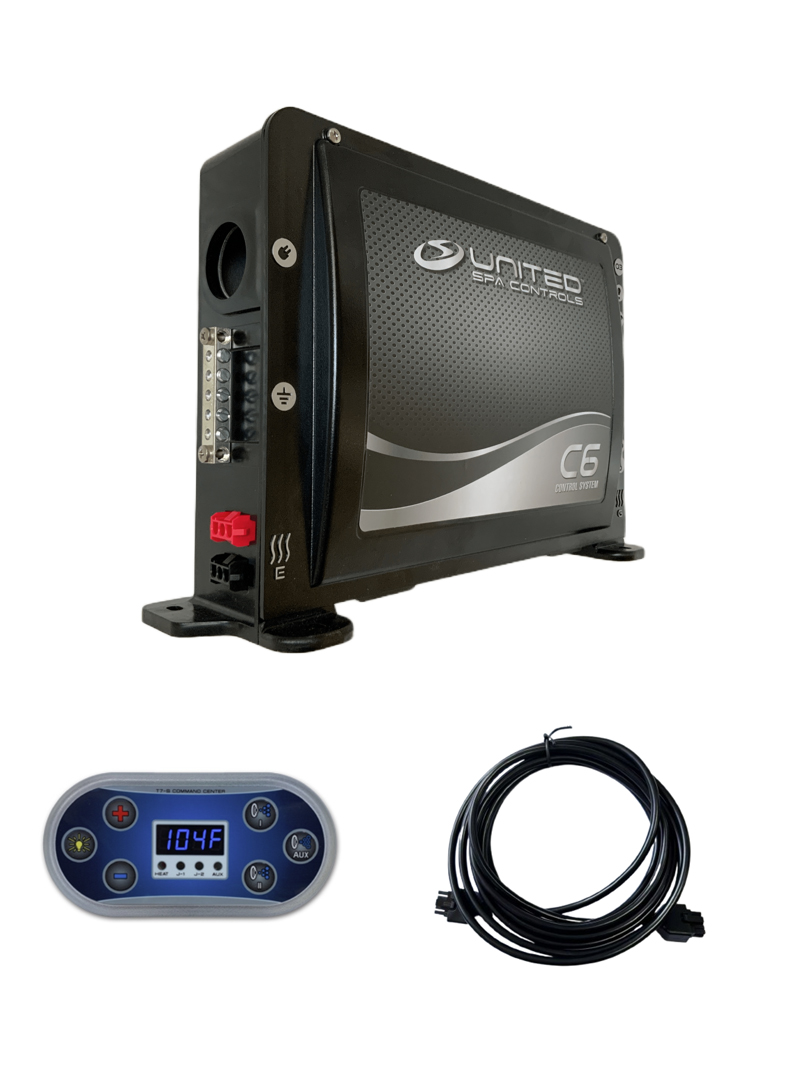
- The United Spa Controls T7S topside panel is the standard user interface for the CB117P, CR117S, and C6 control systems.
- It requires a 10-pin Molex cable (sold separately) and a 1.75″ hole saw for installation.
- Panel dimensions are 5″ × 2.5″; it mounts flush into the spa shell.
- Common faults include blank display, button lockout, and communication errors — most are cable-related.
- Always match the panel to the exact control box model before ordering a replacement.
The United Spa Controls T7S topside panel is the primary user interface for the CB117P, CR117S, and C6 spa control systems. It controls water temperature, pump speeds, lighting, and displays error codes — and when it fails, the entire spa becomes difficult or impossible to operate correctly.
This guide covers everything you need to know about the T7S topside panel: technical specifications, compatibility rules, installation requirements, wiring, common faults, and how to order the correct replacement. Whether you are servicing a spa or replacing a damaged panel, the information below will help you avoid the most common ordering and installation mistakes.
For a broader overview of all United Spa Controls products, see the United Spa Controls Brand Overview.
What Is the United Spa Controls T7S Topside Panel?
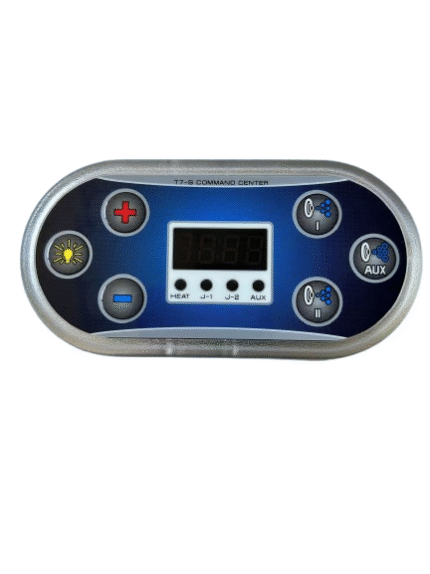
The T7S is a digital topside control panel manufactured by United Spa Controls. It is designed to integrate directly with United Spa Controls spa packs and provides the user-facing interface for managing all spa functions from the edge of the tub.
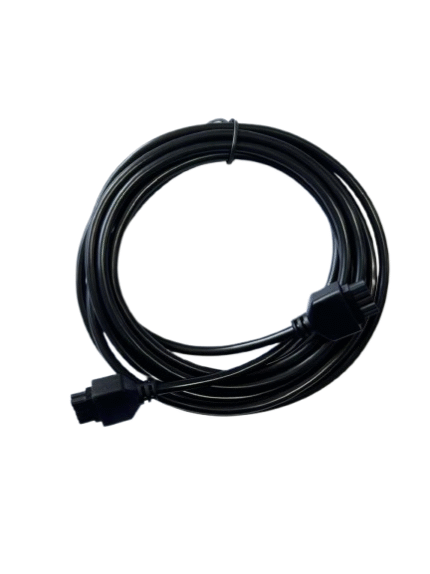
The T7S communicates with the control box via a dedicated cable connection using a 10-pin Molex connector. It is not a Wi-Fi or Bluetooth device — it operates on a wired communication protocol specific to the United Spa Controls ecosystem.
The panel is sold under the product name T7S Command Center and is available from SpasRus as a standalone unit. The cable is sold separately.
Key Functions of the T7S Topside Panel
The United Spa Controls T7S topside panel manages the following spa functions:
- Temperature display and adjustment — shows current water temperature and allows the user to set the target temperature
- Pump control — activates and adjusts jet pump speeds (where the control box supports multiple pumps)
- Heater activation — confirms when the heater is active and shows heating status
- Lighting control — activates spa lighting circuits where connected
- Error code display — shows fault codes (FLO, OH, ICE, etc.) from the control box
- Mode selection — standard, economy, and sleep modes depending on control box configuration
When the T7S panel fails or loses communication with the control box, none of these functions can be accessed from the topside — even if the heater and pumps are operating normally at the control box level.
T7S Topside Panel: Technical Specifications
Understanding the United Spa Controls T7S topside panel specifications is essential before ordering a replacement. Installing the wrong panel — even from another United Spa Controls product — can result in display errors, partial functionality, or no communication with the control box.
| Specification | Detail |
|---|---|
| Panel name | T7S Command Center |
| Dimensions | 5″ × 2.5″ |
| Mounting hole | 1.75″ hole saw required |
| Connector type | 10-pin Molex |
| Cable | Sold separately (10 ft standard) |
| Display type | Digital LCD |
| Compatible systems | C6, CB117P, CR117S |
| Installation | Flush-mount into spa shell |
| Price (panel only) | $169.00 |
| Price (cable, 10 ft) | $39.99 |
Compatibility: Which United Spa Controls Systems Use the T7S?
The United Spa Controls T7S topside panel is compatible with the three main United Spa Controls spa pack models. Understanding which system you have determines whether the T7S is the correct replacement and whether the existing cable can be reused.
T7S with the United Spa Controls CB117P
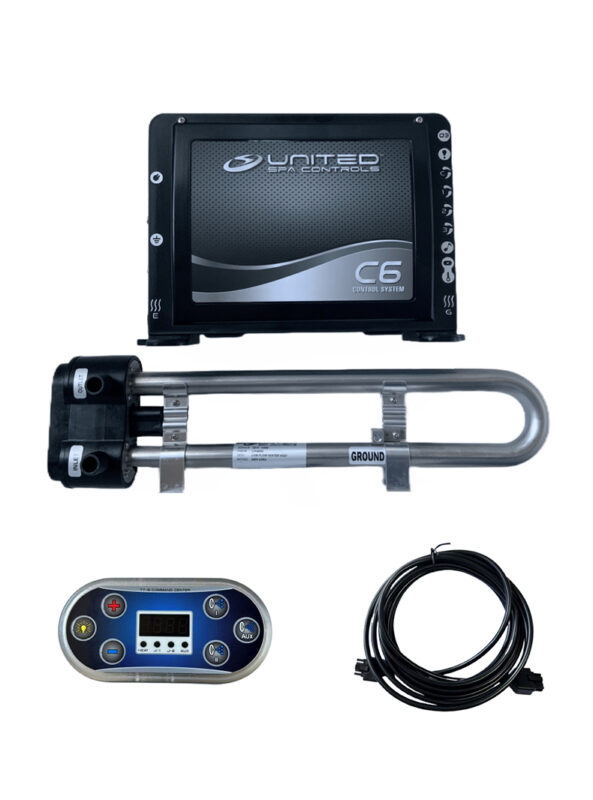
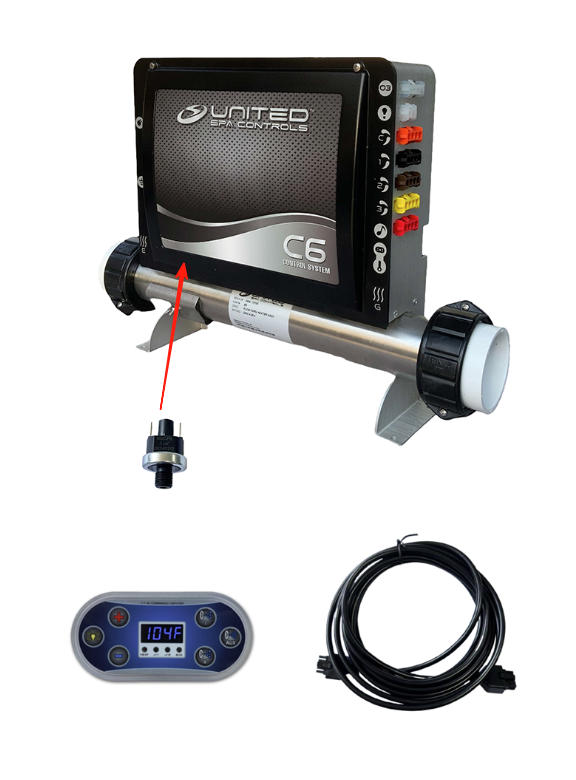
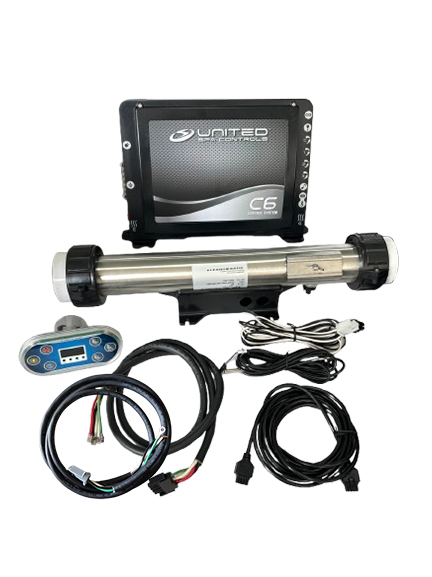
The United Spa Controls CB117P is the most common system paired with the T7S. The CB117P complete system includes the T7S panel and a 10-ft Molex cable as standard. When replacing only the topside panel on a CB117P installation, the existing cable can typically be reused if it is undamaged. Always verify the cable connector at both the panel end and the control box end before assuming reuse is safe.
T7S with the United Spa Controls CR117S
The United Spa Controls CR117S uses the same T7S topside panel and 10-pin Molex cable as the CB117P. The control interface is identical — the difference between the two systems is in the heater configuration (remote vs. bottom-mounted), not the topside panel. Replacing a T7S on a CR117S installation follows the same procedure as on a CB117P.
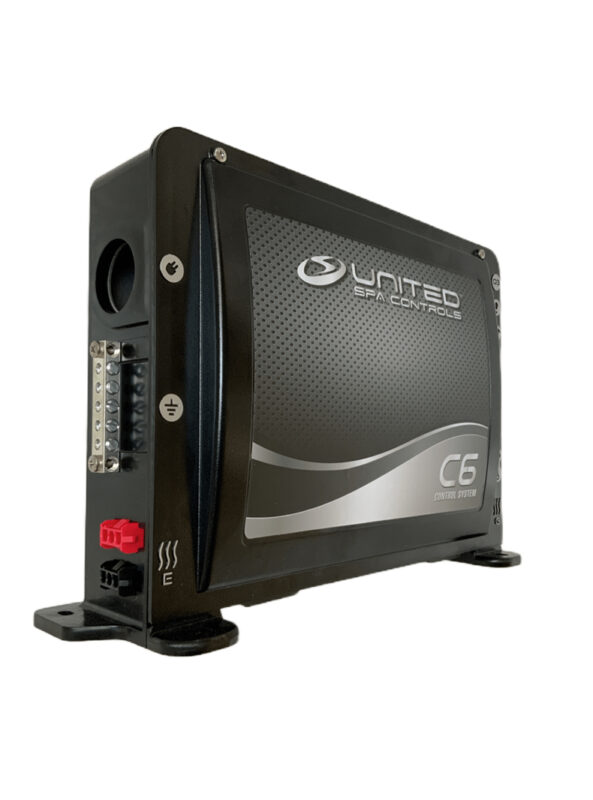
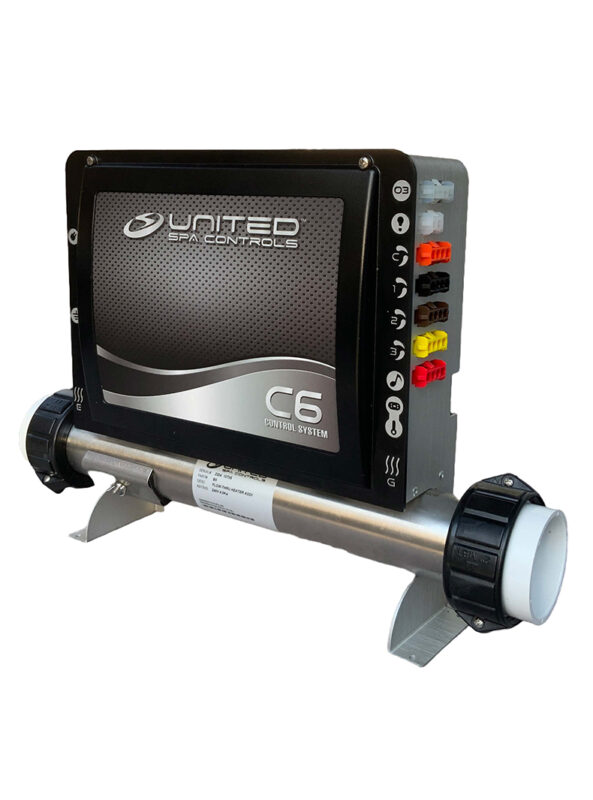
T7S with the United Spa Controls C6
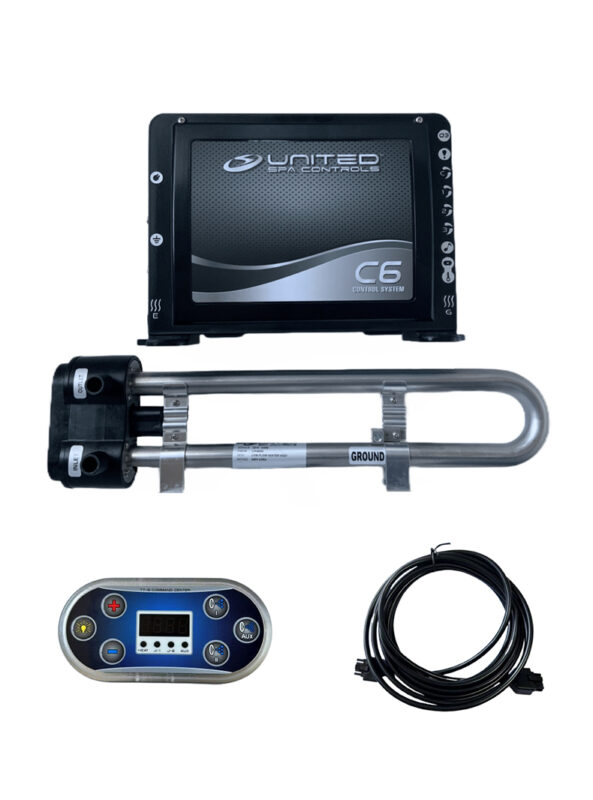
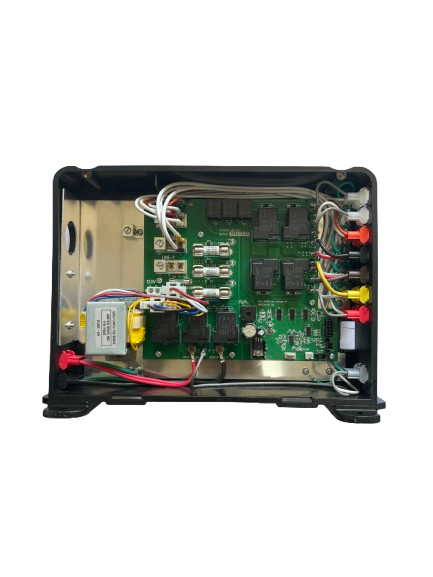
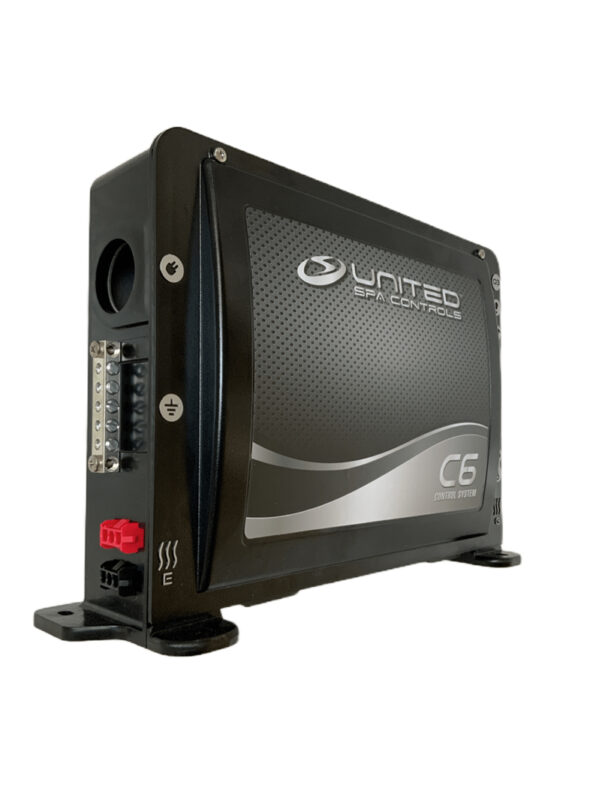
The United Spa Controls C6 system also uses the T7S topside panel (branded as T7S in the C6 complete system configuration). The C6 is an entry-level system with a simpler feature set than the CB117P or CR117S, but the physical panel and cable connector are the same. Programming behavior on the T7S may differ slightly based on which control box it is connected to.
Panels That Are NOT Compatible
The T7S is specific to the United Spa Controls product line and is not compatible with other manufacturers’ control boxes. It is also not interchangeable with older United Spa Controls panel models that use different connector types or pin counts. If you are replacing a topside panel on an older United Spa Controls system, verify the connector type before ordering the T7S.
T7S Topside Panel Installation: What You Need to Know
Installing or replacing a United Spa Controls T7S topside panel is a straightforward process, but it requires the right tools and a clear understanding of the cable routing before you begin.
Tools Required
- 1.75″ hole saw (for new installations only — existing holes do not need to be recut)
- Screwdriver (panel retaining screws)
- Cable zip ties or clips (for cable management inside the cabinet)
- Multimeter (optional — for verifying cable continuity before installation)
Installation Steps
Step 1: Disconnect spa power. Before removing or installing any topside panel, disconnect power at the breaker panel. The T7S communicates with the control box via low-voltage signal, but the control box itself operates on 120V or 240V. Always disconnect power before opening the equipment bay or handling cables. For safety guidance, refer to the Electrical Safety Foundation International.
Step 2: Remove the old panel. From the spa shell exterior, the T7S panel is retained by clips or screws depending on the installation method. Gently press the retaining clips inward while pushing the panel out from the exterior surface. Do not pull on the cable — disconnect the cable connector at the panel before removing it fully.
Step 3: Route the cable. Thread the 10-pin Molex cable from the equipment bay up through the spa shell to the topside panel location. Ensure the cable is routed away from heater lines and pump housings to avoid heat damage. Secure the cable with zip ties at regular intervals inside the cabinet.
Step 4: Connect the cable to the control box. At the control box end, locate the topside panel communication port. Connect the 10-pin Molex connector firmly — it should click into place. A loose connection at the control box end is the most common cause of communication errors after installation.
Step 5: Connect the cable to the T7S panel. Connect the other end of the cable to the T7S panel connector. Press the connector fully until it clicks. Do not force the connector — if it does not seat easily, check that the pin alignment is correct.
Step 6: Mount the panel. Press the T7S panel into the spa shell opening. The panel should sit flush with the spa surface and lock into position via the retaining clips. Do not overtighten retaining screws if present — the gasket behind the panel provides the watertight seal.
Step 7: Restore power and test. Reconnect power at the breaker. The T7S should display the current water temperature within a few seconds of power-up. If the display remains blank or shows an error code, refer to the troubleshooting section below.
New Cutout Installations
If you are installing a T7S panel in a location where no panel existed previously, use a 1.75″ hole saw to cut the mounting hole in the spa shell. Drill from the exterior surface. Ensure the cutout is located at least 4 inches from any internal component to allow cable routing clearance.
T7S Cable: Specifications and Replacement
The United Spa Controls topside cable is a 10-foot, 10-pin Molex cable designed specifically for the T7S panel. It is not interchangeable with cables from other manufacturers or other United Spa Controls panel models that use different pin configurations.
When to Replace the Cable vs. the Panel
Cable failure is significantly more common than panel failure in T7S installations. Before replacing the T7S panel itself, check the cable first. Signs that the cable is the fault — not the panel — include:
- Intermittent display (panel works sometimes, goes blank at other times)
- Display works when cable is moved or flexed in a certain direction
- Visible damage to the cable jacket — kinking, crushing, or rodent damage
- Corrosion at either connector end
- Continuity test shows open circuit on one or more pins
If the cable tests good but the panel is still malfunctioning, the panel itself is likely the fault. Replace only the panel in that case — reusing the existing cable saves $39.99 and simplifies the replacement.
Cable Length Considerations
The standard cable is 10 feet. This is sufficient for most spa installations where the equipment bay is located directly beneath or adjacent to the topside panel position. For larger spas where the equipment bay is further from the panel mounting location, do not splice or extend the cable — use a longer rated cable if available, or relocate the panel closer to the equipment bay.
Common T7S Topside Panel Problems and How to Fix Them
The United Spa Controls T7S topside panel is reliable in normal operating conditions, but several common faults can occur over time. Most are caused by cable or connector issues rather than panel failure.
1. Blank Display
Most likely cause: Loss of power to the panel or a disconnected cable.
What to check: Verify that the control box has power (check the breaker). Inspect the cable connector at both the panel and the control box. A connector that has worked loose — often due to vibration from pump operation — will cause the display to go blank. Reseat both connectors firmly and test.
If the connectors are secure and the display remains blank, test cable continuity with a multimeter. An open circuit on the communication pins will prevent the panel from powering on.
2. Buttons Not Responding
Most likely cause: Panel in lockout mode, or moisture ingress behind the button membrane.
What to check: Some United Spa Controls configurations include a child-lock or button lockout mode accessible by holding a specific button combination. Refer to your control box documentation for the lockout/unlock procedure. If lockout is not the issue, moisture behind the button membrane — typically from a failed panel gasket — can cause stuck or unresponsive buttons. Replace the panel if the gasket has failed.
3. Incorrect Temperature Reading
Most likely cause: Faulty temperature sensor — not the T7S panel.
What to check: The T7S displays the temperature reading provided by the sensor connected to the control box. If the temperature reading is incorrect (too high, too low, or fluctuating), the fault is almost always the temperature sensor, not the topside panel. Replacing the T7S panel will not fix a sensor fault. See our guide on spa heater not heating for sensor diagnosis steps.
4. Error Codes on Display
Most likely cause: System fault detected by the control box — the T7S is correctly reporting the error.
What to check: Error codes displayed on the T7S (FLO, OH, ICE, etc.) originate from the control box, not the panel. The T7S is functioning correctly when it displays these codes. See our Spa Control System Error Codes Guide to diagnose the underlying fault.
5. Display Shows Partial Characters or Garbled Text
Most likely cause: Cable pin damage or communication signal interference.
What to check: Partial or garbled display characters usually indicate a signal issue on one or more communication pins rather than a fully failed connection. Check for bent or corroded pins at the Molex connector. If pins are damaged, replace the cable. If the cable and connectors are undamaged, the panel’s internal display may be failing — replace the panel.
6. Panel Works Then Goes Blank After a Few Minutes
Most likely cause: Intermittent cable connection or thermal expansion causing connector loosening.
What to check: This symptom — panel works at startup then fails — is a classic intermittent connection symptom. Inspect the cable for any tight bends or routing near a heat source. Cable routed near the heater manifold can fail intermittently as heat causes the jacket to contract and pull the connector slightly loose. Reroute the cable away from heat sources and reseat the connectors.
Replacing a United Spa Controls T7S: Step-by-Step Decision Guide
Before ordering a replacement United Spa Controls T7S topside panel, work through the following decision steps to confirm you are ordering the correct part and that a replacement is actually needed.
Step 1: Confirm which United Spa Controls system is installed — C6, CB117P, or CR117S. Check the label on the control box in the equipment bay.
Step 2: Confirm the cable is a 10-pin Molex type. Count the pins at the connector if uncertain — a damaged or corroded connector may indicate the cable needs replacement along with (or instead of) the panel.
Step 3: Test the cable for continuity before ordering a replacement panel. If the cable fails the continuity test, replace the cable first and retest before replacing the panel.
Step 4: If the cable tests good and the panel is still faulty, order a replacement T7S panel. Order the cable separately only if the existing cable is damaged.
For guidance on replacing the full control system, see: How to Replace a Spa Control Box.
For a comparison of available United Spa Controls systems that include the T7S panel, see: United Spa Controls C6 vs CB117P.
SpasRus stocks the United Spa Controls T7S topside panel and the 10-ft 10-pin Molex cable for same-day dispatch.
Order T7S Panel → $169 Order Cable → $39.99
Frequently Asked Questions: United Spa Controls T7S Topside Panel
Is the T7S topside panel compatible with all United Spa Controls systems?
The T7S topside panel is compatible with the United Spa Controls C6, CB117P, and CR117S systems. It is not compatible with older United Spa Controls models that use a different connector type, or with spa control systems from other manufacturers. Always confirm the control box model before ordering a replacement T7S panel.
Does the T7S topside panel come with a cable?
No. The T7S topside panel is sold as a standalone unit without a cable. The 10-foot 10-pin Molex cable must be purchased separately. Complete United Spa Controls system packages (such as the CB117P complete system) include both the T7S panel and the cable — but replacement panels ordered individually do not include a cable.
What size hole saw do I need to install the T7S topside panel?
The T7S topside panel requires a 1.75-inch hole saw for installation. This is the standard size for United Spa Controls topside panel cutouts. If you are replacing an existing T7S panel, the cutout is already the correct size and no drilling is required — simply remove the old panel and install the new one in the same location.
My T7S display is blank but the spa is running. What does that mean?
A blank T7S display while the spa is running almost always indicates a cable or connector fault rather than a panel failure. The control box continues to operate independently of the topside panel — heater and pump circuits remain active even if the panel loses communication. Check the 10-pin Molex connectors at both the panel and control box ends. Reseat both connectors firmly and test. If the display remains blank, test cable continuity with a multimeter and replace the cable if any pins show an open circuit.
Can I use a longer cable than 10 feet with the T7S panel?
The standard T7S cable is 10 feet. Do not splice or extend the cable — doing so can introduce signal loss or interference that causes intermittent communication errors. If the standard 10-foot cable is insufficient for your installation, consult SpasRus before ordering to discuss options for your specific spa layout.
Where can I find the T7S topside panel and cable in stock?
SpasRus stocks the United Spa Controls T7S topside panel ($169) and the 10-ft 10-pin Molex cable ($39.99) with worldwide shipping. Orders ship from our North American warehouse. If you are unsure whether the T7S panel or cable is the correct replacement for your system, contact SpasRus before ordering.
Where to Buy the United Spa Controls T7S Topside Panel
SpasRus stocks the full United Spa Controls accessory range including the T7S topside panel and compatible cables. All orders ship worldwide from our North American warehouse.
If you are unsure whether the T7S is the correct part for your system, or if you need to confirm cable compatibility before ordering, contact us before placing your order — selecting the wrong panel or cable is the most common and most easily avoided mistake in topside panel replacement.
Browse all United Spa Controls systems and accessories at SpasRus.
For a complete overview of compatible control systems and how they work together, see the United Spa Controls Brand Overview.
SpasRus is a North American retailer specializing in United Spa Controls spa systems, heaters, topside panels, cables, and compatible replacement parts for residential and light commercial hot tubs.